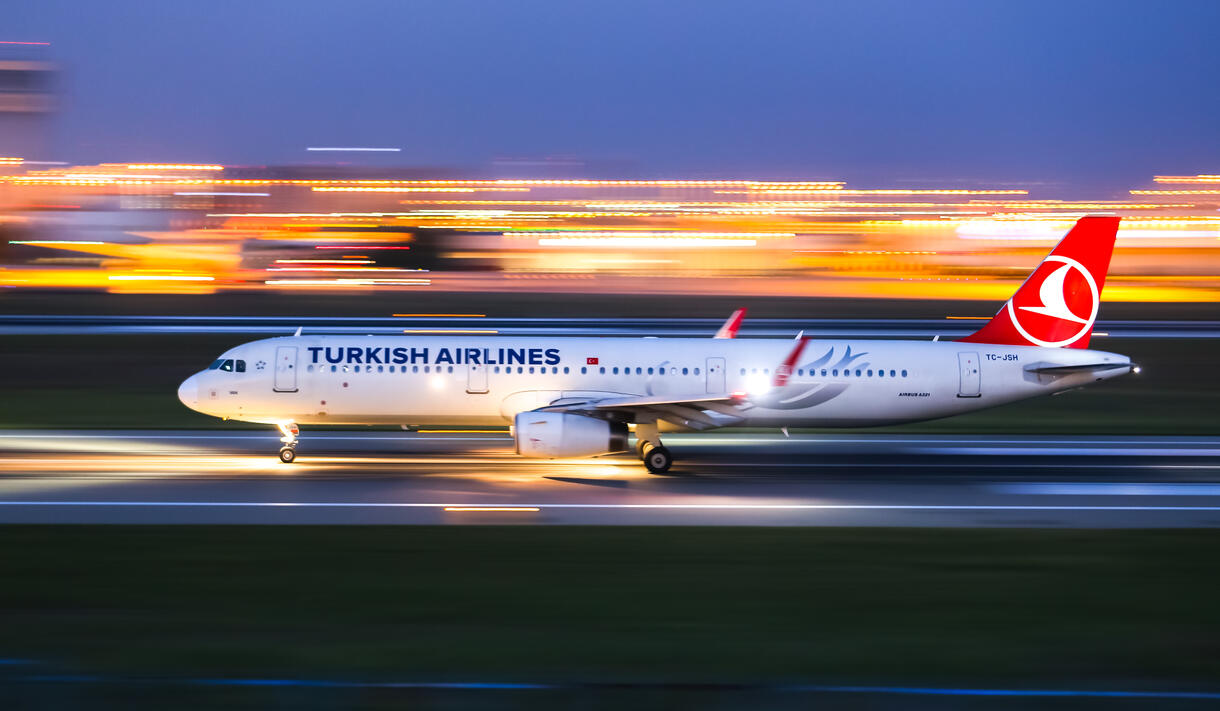
Turkish Airlines Manage Booking – Effortlessly Manage Your Travel
Simplify Travel with Turkish Airlines Manage Booking
With one of the world's biggest airline networks, continents are united through world-class reliability and service by Turkish Airlines. Whether you're taking a flight to Istanbul, New York, or Tokyo, flexibility is paramount—and Turkish Airlines knows that too.
That's why Turkish Airlines Manage Booking was created to enable travelers to have complete control over their travel plans. Whether it is rebooking a flight, booking extra luggage, selecting seats, or even asking for a refund, it makes each step of your travel easier.
Here's this detailed guide to tell you how to use and access Turkish Airlines' Manage Booking feature, and the numerous possibilities there are through it.
How to Manage Turkish Airlines Booking
Managing Turkish Airlines booking online is a matter of only a few simple steps:
1.Go to the Official Website:
www.turkishairlines.com
2.Go to "Manage Booking" or "My Trips" Section.
3.Enter the Necessary Information:
-Ticket Number or Booking Reference (PNR)
-Last Name of Passenger
4.Access Your Trip Details
You will be able to view your itinerary and options for modification once verified.
You can also manage your booking via the Turkish Airlines mobile application, which replicates the website functionality.
What You Can Do With Turkish Airlines Manage Booking
1.Change Your Turkish Airlines Flight ,Change of heart? Turkish Airlines makes it simple to change your plans.
• Change your flight date, time, or destination.
• Changes are allowed according to fare rules.
• You might be required to pay a fare difference or change fee, depending on your class of fare.
• Free changes are available in certain fare classes (such as Business Flex).
Pro tip: Verify your fare conditions prior to making changes to save on additional expenses.
2.Cancel Your Booking ,Flying stand-by anymore? Cancel directly from the Manage Booking section.
•Cancellations are allowed for valid fare types.
•Refunds based on fare type:
-Promotional fares: Typically non-refundable.
-Flexible or refundable fares: Can be fully/partially refunded.
•Refunds credited back to the original payment method or provided as a travel credit.
If Turkish Airlines canceled your flight, you're entitled to free rebooking or a full refund.
3.Online Check-In ,Beat the queues at the airport and check-in online:
• Available 24 to 1 hour before your flight.
• Choose or accept seats when checking-in.
• Get a digital boarding pass or by email.
• Applicable for both domestic and international flights.
Employ the Turkish Airlines app for touchless mobile check-in and boarding.
4.Add Extra Baggage ,Save on baggage charges at the airport:
• Buy additional checked bags at lower online prices.
• Review your fare's baggage allowance and add pieces if required.
• Prepay online up to and including 2 hours prior to flight departure.
Free baggage is included with some fare types, but not all (particularly promotional fares.
5.Seat Selection ,Get your journey more comfortable by booking the ideal seat:
• Standard, extra legroom, or front-row seats are bookable.
• Seat selection is complimentary for Business Class and some fare types.
• Economy passengers pay a fee based on route and seat choice.
Aisle or window, your seat is at your fingertips.
6.Business Class Upgrade ,Luxe enough? Upgrade your travel with Turkish Airlines:
• Upgrade with Miles (Miles&Smiles program).
• Paid upgrades are sometimes available during check-in or via Manage Booking.
• Enjoy full-flat seats, lounge access, gourmet meals, and priority boarding.
7.Add Special Services ,Personalize your journey with added services:
• Request special meals (vegetarian, vegan, kosher, gluten-free, etc.).
• Add mobility assistance or medical requests.
• Book assistance for minors unaccompanied (UMNR).
These requests generally must be made at least 48 hours prior to departure.
8.Add Travel Extras ,Personalize your trip with premium options:
• Travel Insurance for delays or cancellations.
• Lounge Access at certain airports.
• Fast Track Security for Business and Elite flyers.
Extras can be added from the Manage Booking panel or app.
Turkish Airlines Fare Types – Know Your Flexibility
Here’s a quick breakdown of Turkish Airlines fare types and what’s included:
Fare Class Refundable Changeable Baggage Seat Selection
-Eco-Promo No No No Paid
-Eco-Fly Limited Yes 1 Bag Paid
-Extra-Fly Yes Yes 2 Bags Some Free
-Prime-Fly Yes Yes 2 Bags Free
-Business Yes Yes 2 Bags Premium Free
Always review fare rules at the time of booking or within your Manage Booking dashboard.
Use the Turkish Airlines App
Turkish Airlines' mobile application provides a smooth user experience:
•Complete access to Manage Booking options.
•Push notifications for flight status and check-in reminders.
•Save and view boarding passes offline.
•Monitor Miles&Smiles rewards and upgrades.
Available on iOS and Android.
Benefits of Using Turkish Airlines Manage Booking
Feature Benefit:
-Flight Changes :Make changes to your travel plans at any time.
-Seat Selection :Choose the seat that is most suitable for you.
-Baggage Management :Save time and money by prepaying.
-Online Check-In :Avoid airport queues.
-Upgrade Options :Enhance luxury in travel.
24/7 Availability :Manage anywhere, anytime.
When to Call Customer Support
Call Turkish Airlines if:
• You booked with an agency and don't have access to online tools.
• You experience technical problems with online modification.
• You must rebook because of flight cancellation or travel restrictions.
You can call customer service through phone, live chat, or social media platforms.
Rebook or Refund in Case of Cancelled Flights
When Turkish Airlines cancels your flight because of bad weather, strikes, or technical problems:
•Free rebooking is possible through Manage Booking.
•Select full refund or choose travel voucher.
•Turkish Airlines normally informs passengers by SMS or email with further action.
The Turkish Airlines Manage Booking feature gives passengers control over their entire trip. From a flight change, to check-in, to choosing your preferred seat, it's all a matter of a few clicks.Not only does this online tool save time, but it also delivers added flexibility with a hassle-free approach to travel. For business or leisure travelers, the Turkish Airlines booking management system is a must-have companion.
 1-833-534-0940